


You have probably seen these posts: another confident comparison of “ChatGPT vs Claude vs Copilot vs Gemini,” (of course) with a neat table and a verdict at the end.
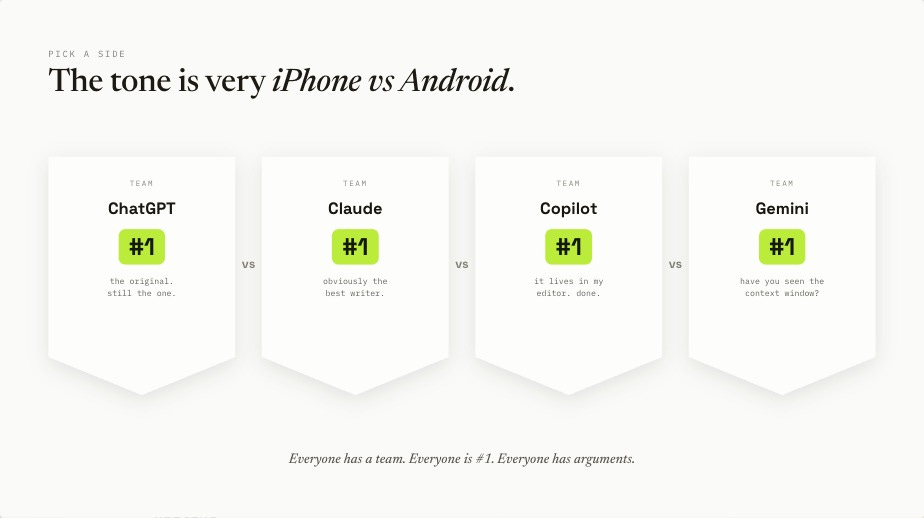
The real difference is not between model brands. It is between people — who understand context and who don’t.
The first group can get good results from almost any strong model. The second group gets a lottery ticket and then blames the tool.
You have probably seen those posts too:
“This model is stupid now.”
“That one hallucinates all the time.”
“This one writes like a consultant who has swallowed a brand book.”
Models do have different strengths, interfaces, limits, and annoying habits. But very often, the problem is not that the model is stupid.
The problem is that we gave it a messy task, unclear success criteria, six pages of irrelevant context, and one vague instruction like “make it better.”
And then we were surprised when it did exactly that: something. Better-ish.
What is a token, in human language?
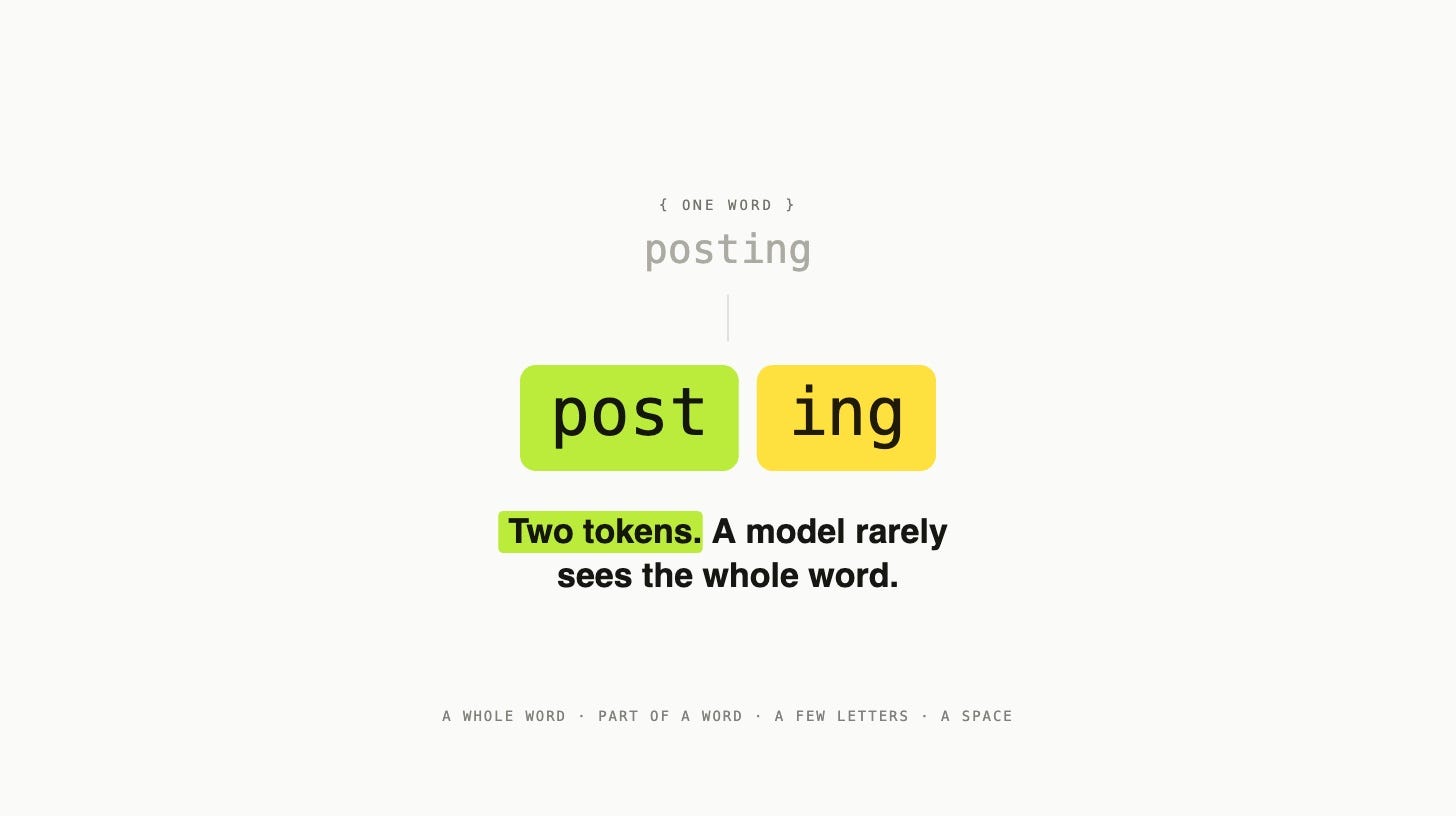
A token is a small piece of text the model works with. Sometimes it is a whole word. Often it is part of a word, a few letters, a punctuation mark, or a space.
The model does not “read” your text the way a person does. It processes a sequence of these small pieces and then generates the answer from the same kind of pieces.
That is the technical part. The practical part is more important.
Every AI model has a context window — the amount of information it can keep in front of itself at once. Your current question, the previous chat history, uploaded documents, copied policies, job descriptions, candidate notes, examples, instructions — all of it lives inside that window.
Think of it as a desk.
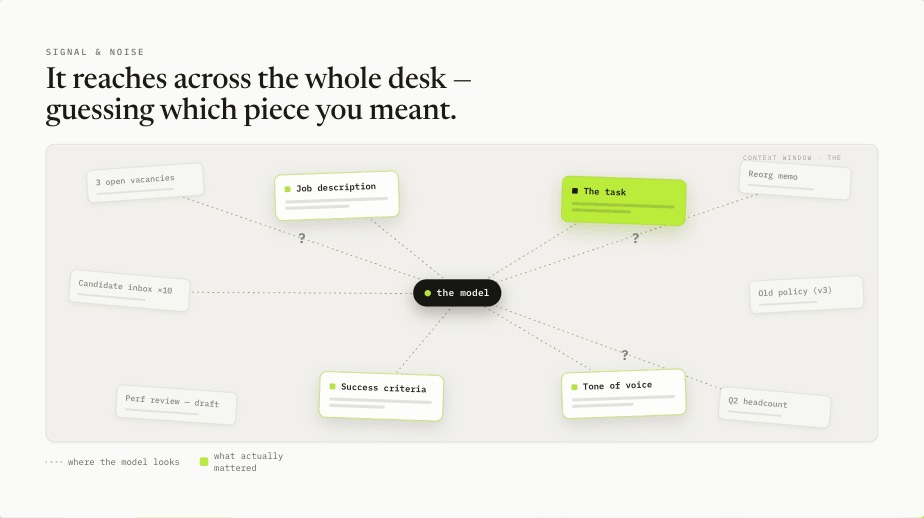
If the desk has the job description, success criteria, tone of voice, and the exact task you want solved, the model has what it needs.
If the desk has three unrelated vacancies, last month’s performance review draft, a half-finished reorg announcement, ten candidate messages, and a policy document you no longer need, the model still tries to work — but now it has to guess what matters.
And models are very good at sounding confident while guessing. This is where many “AI got worse” stories begin.
But everyone says: use one model for writing, another for code, and another for visuals
Yes — this is partly true.
Some models feel stronger at polished writing. Some are better at code. Some are more convenient for working with slides, images, tables, or spreadsheets.
But these reputations are not fixed laws of nature.
They change quickly because the models change quickly. A tool that was weak at writing six months ago may suddenly become good enough. A model that everyone praised for reasoning may start losing to a competitor after the next release. A product that looked mediocre on its own may become useful simply because it is embedded into Word, Gmail, Excel, Google Docs, or your ATS workflow.
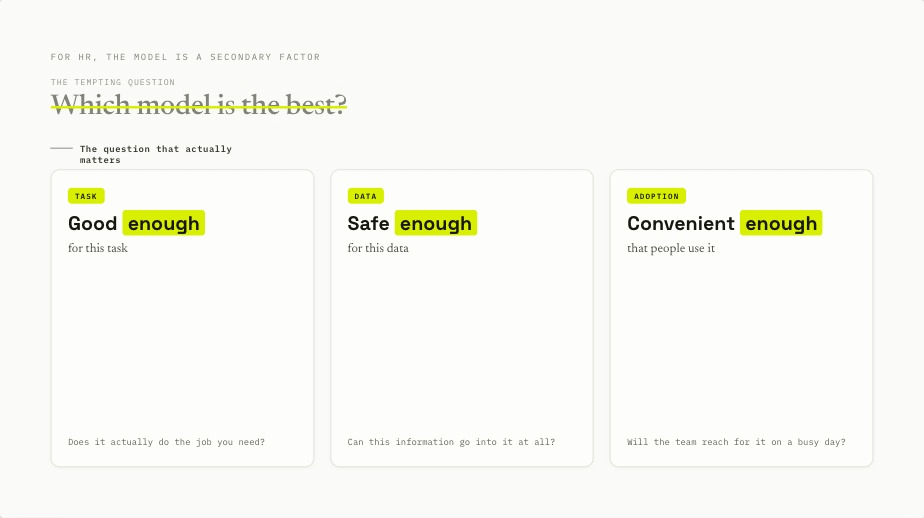
So yes, model “personalities” exist. But for HR, they are a secondary factor.
For example:
If you are rewriting a sensitive performance review, data protection and tone control matter more than whether one model produces slightly prettier prose.
If you are summarising employee survey comments, context size, instruction-following, and confidentiality matter more than a clever turn of phrase.
If you are preparing a leadership presentation, visual and document integration may matter more than pure text quality.
If you are building HR analytics scripts or automating part of a workflow, code quality and debugging support suddenly become relevant — but that is a different use case from writing a candidate email.
This is why “Claude writes better” or “ChatGPT codes better” is not wrong exactly. It is just too vague to be operational.
Better for what?
With what data?
Inside which workflow?
For which user?
A model’s reputation is a useful starting hypothesis, not a decision rule.
The feature HR should care about more: reusable context
One practical criterion is whether the tool supports some form of reusable workspace: Projects, Gems, custom instructions, knowledge bases, or any equivalent feature where you can keep a stable context in one place.
This matters because HR work is repetitive.
You do not want to explain the same company tone, job-posting structure, interview philosophy, competency model, or performance-review principles every time you start a new chat.
A good AI workspace lets you store the stable parts once:
company tone of voice,
approved wording,
org structure or role templates,
policy documents,
instructions for what the model should never do.
Then each new task can focus on the actual question. That is where AI starts to become a system rather than a party trick.
In the next post, we’ll talk about context hygiene: what to include, what to leave out, and why dumping everything into the chat usually makes AI worse, not better.
Subscribe so you don’t miss it — and send this to the colleague who still thinks the real question is “ChatGPT or Claude?”
And by the way,
“—” does not necessarily mean a text was written by AI.
Press Option + Shift + - on a Mac.
Or Alt + 0151 on Windows.
You’re welcome.
Now you’re AI too.